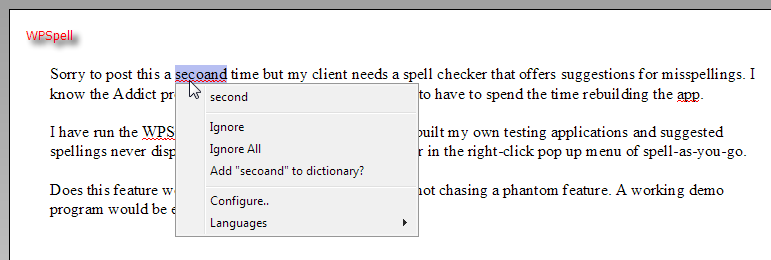
Sorry to post this a second time but my client needs a spell checker that offers suggestions for misspellings. I know the Addict product does this but I would prefer not to have to spend the time rebuilding the app.
I have run the WPSpell demos in D2007 and D2010 and built my own testing applications and suggested spellings never display - in either the spell check dialog or in the right-click pop up menu of spell-as-you-go.
Does this feature work for anyone? I want to be sure I'm not chasing a phantom feature. A working demo program would be ever so helpful.
Thanks for the response. I need to clarify "activate a dictionary" to ensure that I am not missing something. I have identified a CurrentLanguage for TWPSpellController. I assumed that the dictionary is active because misspelled words are being underlined. I also opened the spell config dialog on start up and it appears to show the English dictionary as active.